
Password Protection
Lock your flipbook or document behind a password so only authorized recipients can access your sensitive or premium content.
Overview
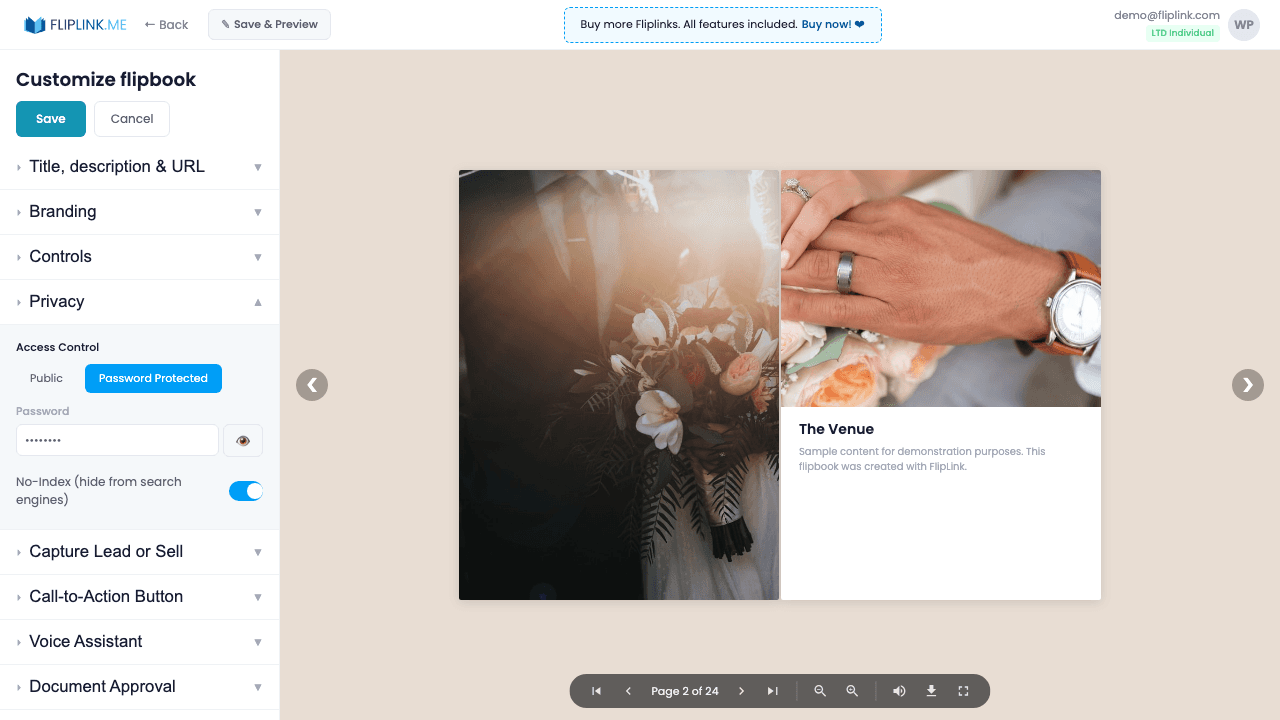
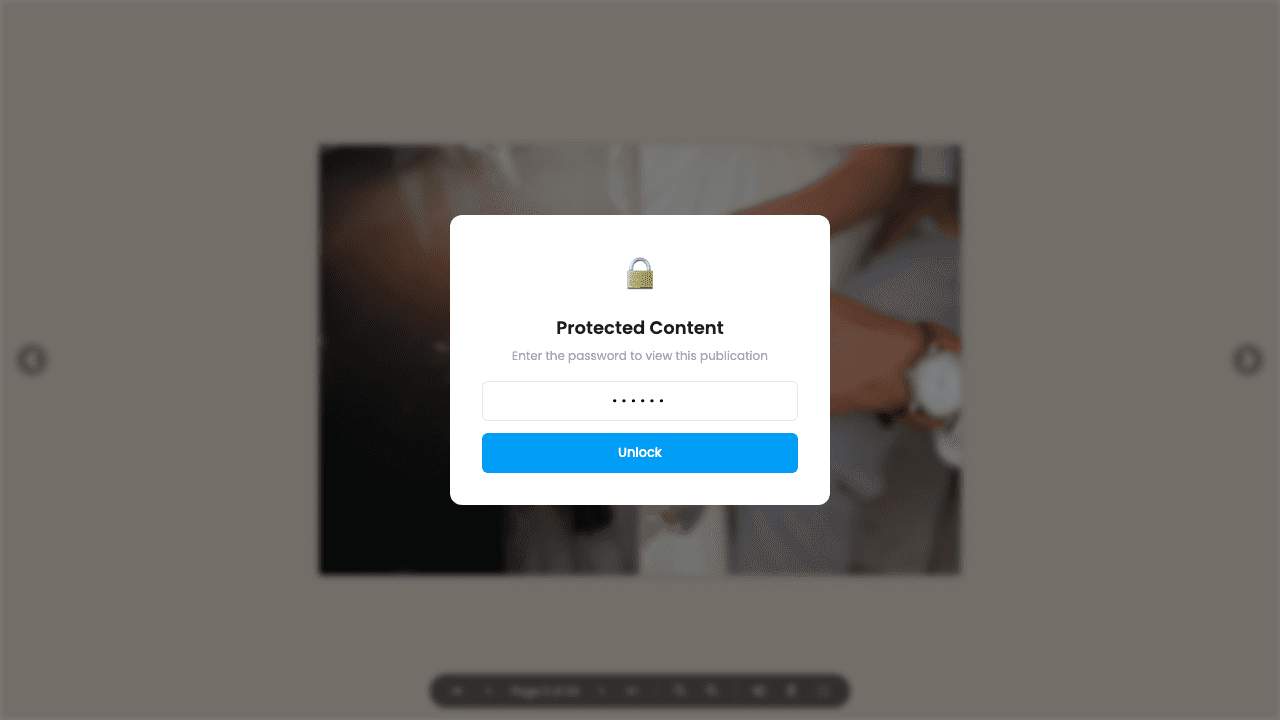
Lock any publication behind a password. Viewers see a full-screen password entry modal before accessing content. Passwords are case-sensitive, and there's no 'remember me' option — viewers enter the password each session. You can set, change, or remove passwords at any time from the share/settings modal.
Live Demos
Flipbook — Password Protected
FlipbookWhat to look for: This flipbook is password-protected. A password modal appears before you can access the content. Enter the password to unlock and view the flipbook.
Password: 123
Document — Password Protected
DocumentWhat to look for: This document is password-protected. A password modal blocks access until the correct password is entered.
Password: 321
What's Included
Password-gated viewer access
Viewers see a full-screen password entry modal before any content loads. No preview, no bypass — content is fully protected.
Show/hide password in share modal
The password is visible in the share/settings modal so you can easily copy and send it to authorized viewers.
Customizable password page text
Customize the message viewers see on the password page. Add instructions, contact info, or brand messaging.
Free: Pdf To Flipbook
Turn your PDF into a beautiful 3D page-flipping flipbook.
Try it free — no sign-up neededTry Password Protection Free
All features included in the free trial. No credit card required.
Related Features
Link Expiry
Set links to expire after a date or number of views — ideal for time-sensitive proposals, limited-access content, and secure one-time document sharing.
Privacy & Access Control
Control who can see your flipbook or document — set it as public, password-gated, or invite-only with email allowlist restrictions.
Pay Once, Use Forever
10, 50 or 100 flipbooks · All 35 features · Unlimited domains
No feature gates. Every Lifetime Deal tier unlocks all 35 features.
- Every feature unlocked — no feature gates
- Stackable — buy more codes anytime
- Replaceable — swap old for new
- Unlimited custom domains (CNAME)
- No recurring fees, ever
Frequently Asked Questions
Can I password-protect my flipbook?
Yes. You can set a password that viewers must enter before accessing your flipbook or document.
Can I combine password protection with lead capture?
Yes. You can use both simultaneously — require a password for access and a lead capture form for data collection.
Can I set an expiry date on shared links?
Yes. Link expiry is a separate feature that lets you set a date after which the shared link stops working.
Ready to Transform
Your PDFs?
Join thousands of businesses using FlipLink to create engaging, interactive content from their PDFs. Start free — no credit card required.