
Branding & Design
Make every flipbook and document look like it belongs on your website with custom logos, color skins, backgrounds, and favicons.
Overview
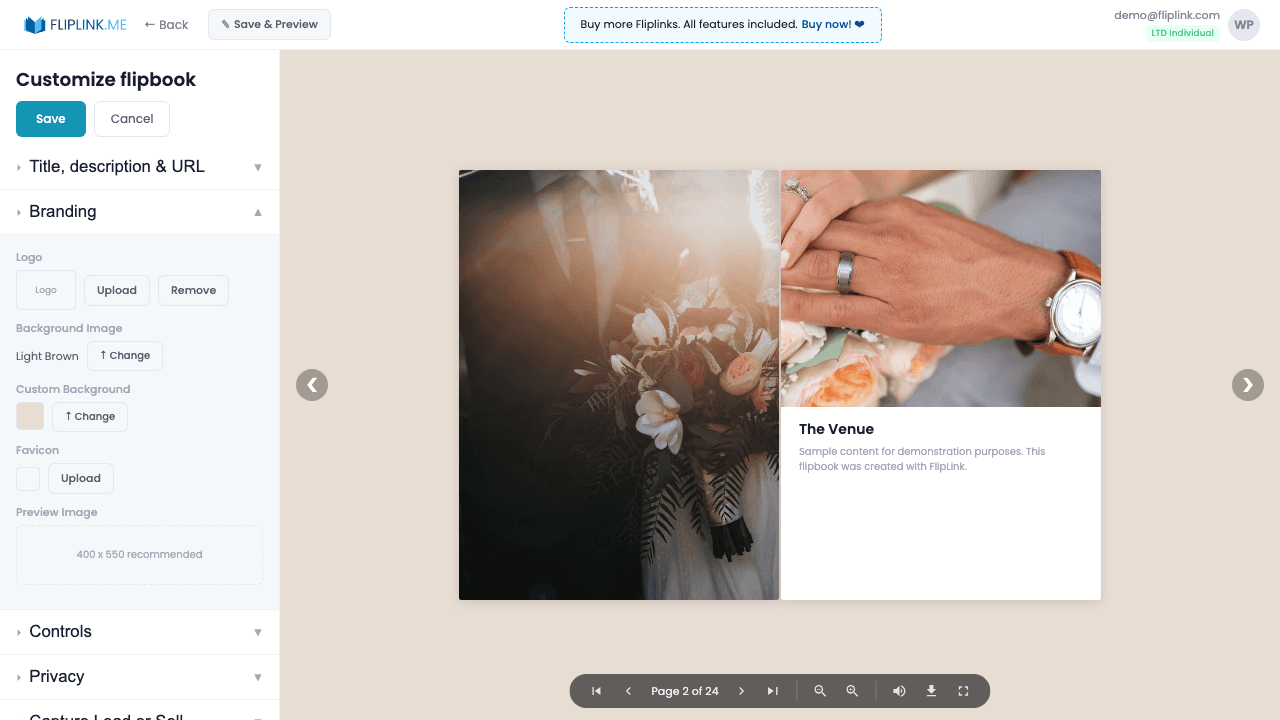
Make every publication look like it was built by your development team. Upload a clickable logo that links to your website, choose from 30+ animated and static background skins, or upload a custom background image. Set a branded favicon for browser tabs, customize the OG preview image for social media shares, and control title text colors. Combined with white-label mode, viewers see zero FlipLink branding.
Live Demo
Custom Branding
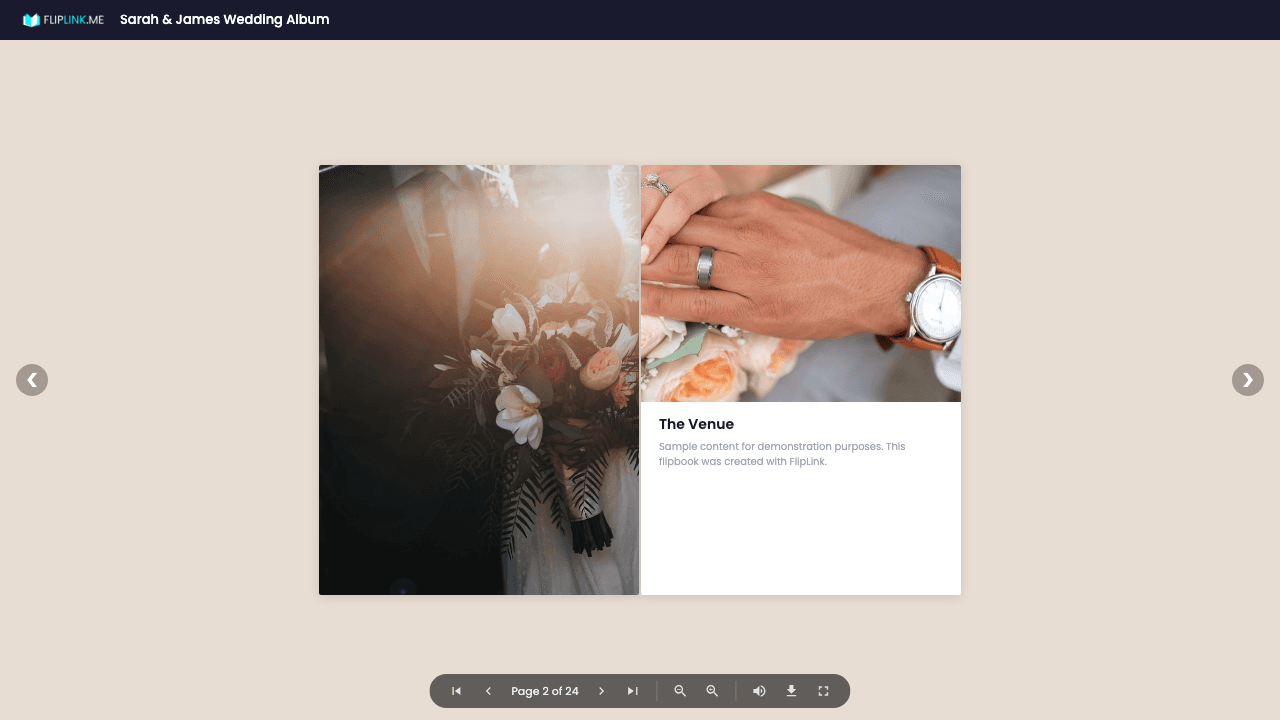
FlipbookWhat to look for: This flipbook features full custom branding — a custom logo, branded color scheme, and a custom background. Notice how the entire viewer reflects the brand identity.
What's Included
Custom clickable logo
Upload your logo (recommended 40x10px transparent PNG) to the viewer toolbar. Add a URL so viewers can click through to your website.
30+ background skins
Choose from a curated library of static and animated background skins, or upload your own custom background image.
Custom favicon
Upload a custom favicon (recommended 100x100 PNG) that appears in browser tabs when viewers access your publication.
OG preview image
Set a custom Open Graph image that appears when your publication is shared on LinkedIn, Twitter, Facebook, and other social platforms.
Custom title and colors
Customize the viewer title text and its color to match your brand identity for a cohesive, professional presentation.
What You Need
Brand assets ready
Have your logo image, brand colors (hex codes), and favicon ready to upload. FlipLink supports custom logos, background colors, and branded loading screens.
Free: Pdf To Flipbook
Turn your PDF into a beautiful 3D page-flipping flipbook.
Try it free — no sign-up neededTry Branding & Design Free
All features included in the free trial. No credit card required.
Related Features
Create Flipbooks
Turn any PDF into a stunning 3D flipbook with realistic page-flip animations, WebGL rendering, and mobile-ready sharing in seconds.
Create Documents
Share PDFs as scrollable online documents with a clean, professional viewer powered by PDF.js — searchable, responsive, and brandable.
Replace PDF
Update your PDF without losing your link, settings, analytics, or leads. Same URL, new content — perfect for catalogs and proposals.
Pay Once, Use Forever
10, 50 or 100 flipbooks · All 35 features · Unlimited domains
No feature gates. Every Lifetime Deal tier unlocks all 35 features.
- Every feature unlocked — no feature gates
- Stackable — buy more codes anytime
- Replaceable — swap old for new
- Unlimited custom domains (CNAME)
- No recurring fees, ever
Frequently Asked Questions
Can I remove FlipLink branding?
Yes. FlipLink supports full white-label publishing. When you use a custom domain, all FlipLink branding is removed from the viewer.
What branding elements can I customize?
You can customize the logo, favicon, OG image, background (30+ options or custom upload), viewer toolbar colors, and loading screen.
Can I save my branding as a template?
Yes. Save your branding configuration as a template and apply it to future publications with one click.
Ready to Transform
Your PDFs?
Join thousands of businesses using FlipLink to create engaging, interactive content from their PDFs. Start free — no credit card required.