
Create Documents
Share PDFs as scrollable online documents with a clean, professional viewer powered by PDF.js — searchable, responsive, and brandable.
Overview
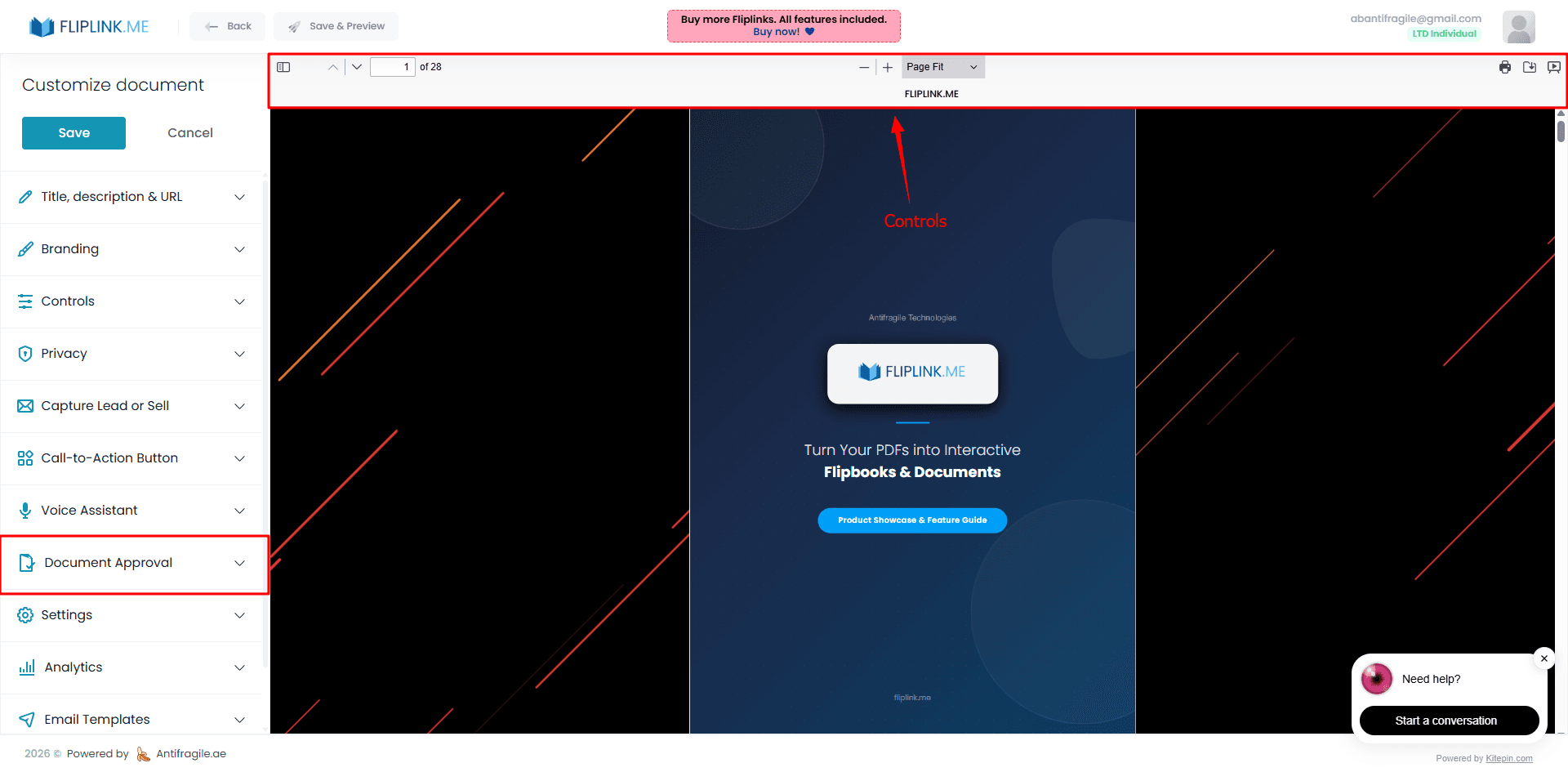
FlipLink Documents give your PDFs a clean, modern viewing experience using PDF.js technology. Viewers can search text within the document, select and copy content, and navigate with thumbnails or a document outline. Three layout modes — vertical single-page, vertical two-page spreads, and horizontal slide mode — let you match the viewing experience to the content type. Deep linking with page parameters means you can send someone directly to page 47 of your report.
Live Demo
Clean Document Viewer
DocumentWhat to look for: A clean PDF.js document viewer with standard toolbar — search, zoom, navigate, and download. No extra features enabled, just a straightforward document reading experience.
What's Included
Scrollable document viewer
A clean, modern PDF.js-based viewer that lets readers scroll through content naturally with native text selection and copy support.
Multi-file upload
Upload multiple PDFs at once and combine them into a single document publication for streamlined content delivery.
Template-based creation
Start with a saved template to instantly apply your preferred branding, lead capture, and privacy settings.
Deep linking to pages
Send viewers directly to any page using ?doc-page=N in the URL — perfect for referencing specific sections in proposals or reports.
Free: Pdf Viewer
Create an embeddable scrollable PDF viewer for your website.
Try it free — no sign-up neededTry Create Documents Free
All features included in the free trial. No credit card required.
Related Features
Create Flipbooks
Turn any PDF into a stunning 3D flipbook with realistic page-flip animations, WebGL rendering, and mobile-ready sharing in seconds.
Replace PDF
Update your PDF without losing your link, settings, analytics, or leads. Same URL, new content — perfect for catalogs and proposals.
Duplicate Publication
Clone any flipbook or document instantly with all branding, lead capture, and privacy settings intact.
Pay Once, Use Forever
10, 50 or 100 flipbooks · All 35 features · Unlimited domains
No feature gates. Every Lifetime Deal tier unlocks all 35 features.
- Every feature unlocked — no feature gates
- Stackable — buy more codes anytime
- Replaceable — swap old for new
- Unlimited custom domains (CNAME)
- No recurring fees, ever
Frequently Asked Questions
What is the difference between a flipbook and a document?
A flipbook uses 3D page-turning animation (WebGL/Three.js). A document (DocLink) is a clean, scrollable PDF.js-based viewer with text selection, search, and multiple layout modes.
Can viewers search text inside a document?
Yes. Documents use PDF.js technology that supports native text search, text selection, and copy functionality.
Can I link directly to a specific page?
Yes. Use the deep linking parameter ?doc-page=N in the URL to send viewers directly to any page in your document.
Ready to Transform
Your PDFs?
Join thousands of businesses using FlipLink to create engaging, interactive content from their PDFs. Start free — no credit card required.