
Go Paperless with Interactive Event Programs
The Problem
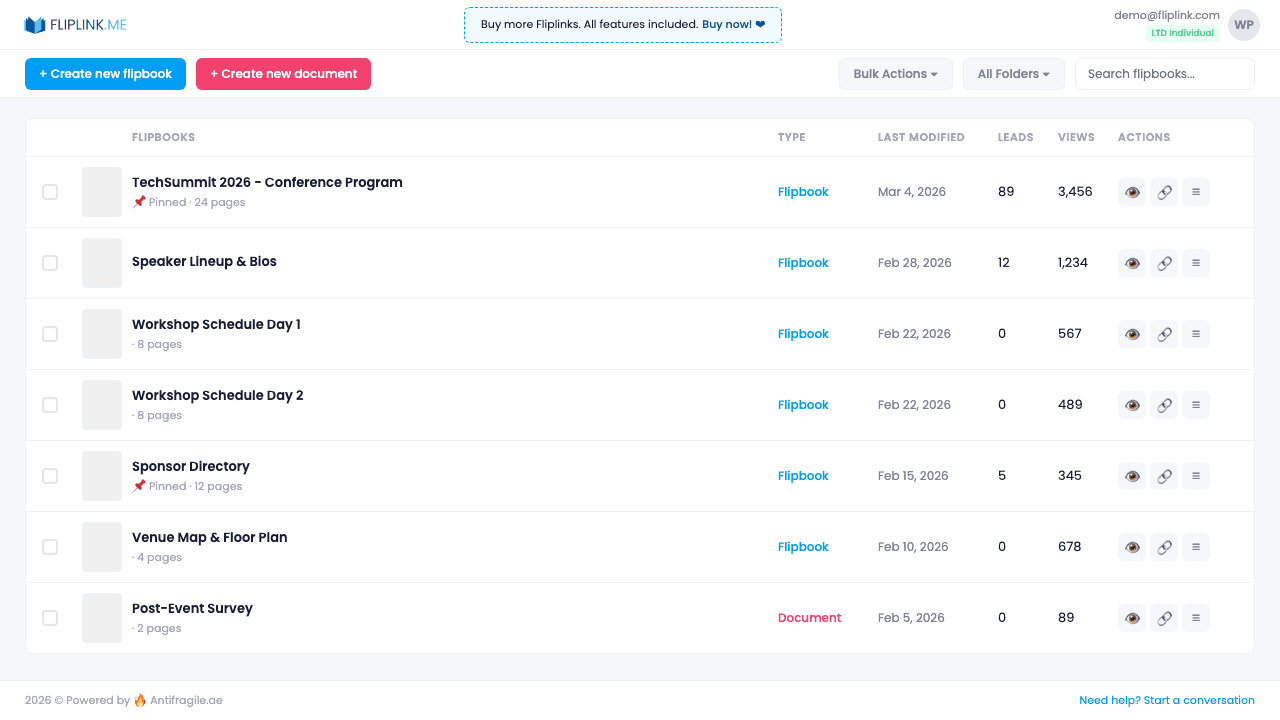
Event organizers print thousands of programs that get discarded. Last-minute changes require reprints, attendees lose their copies, and there's no way to capture attendee information or measure which sessions generate interest.
The FlipLink Solution
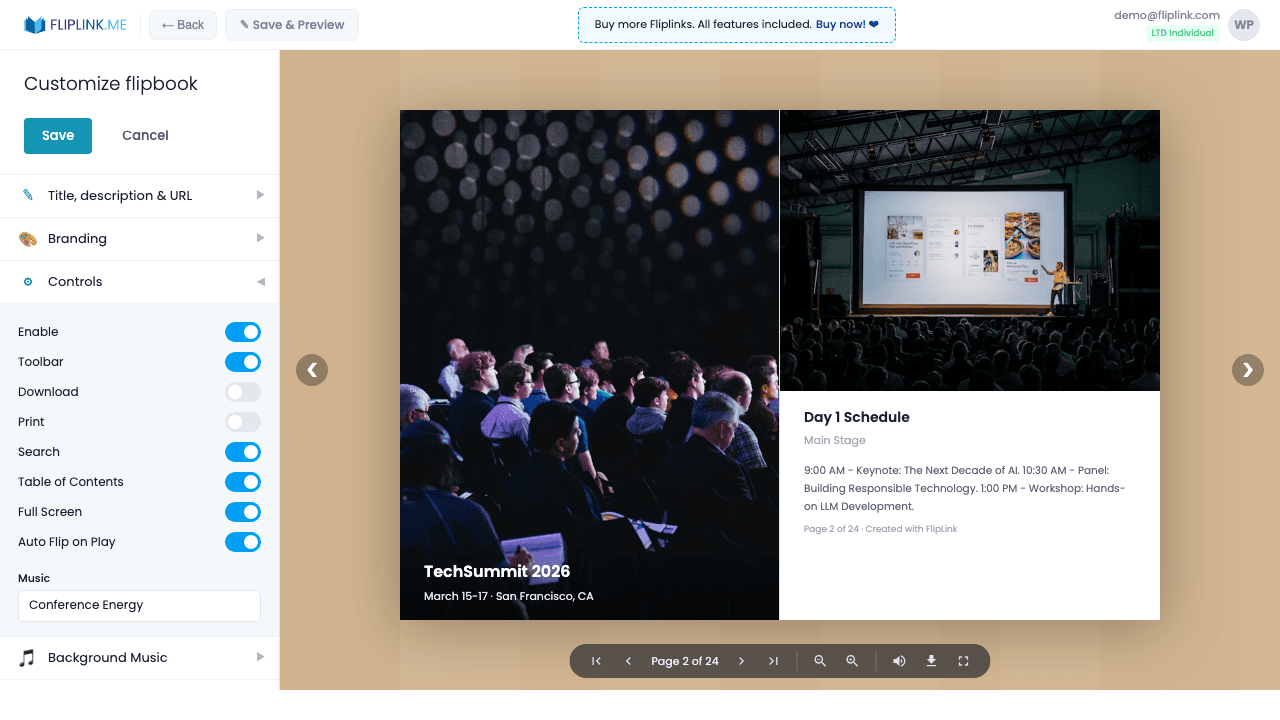
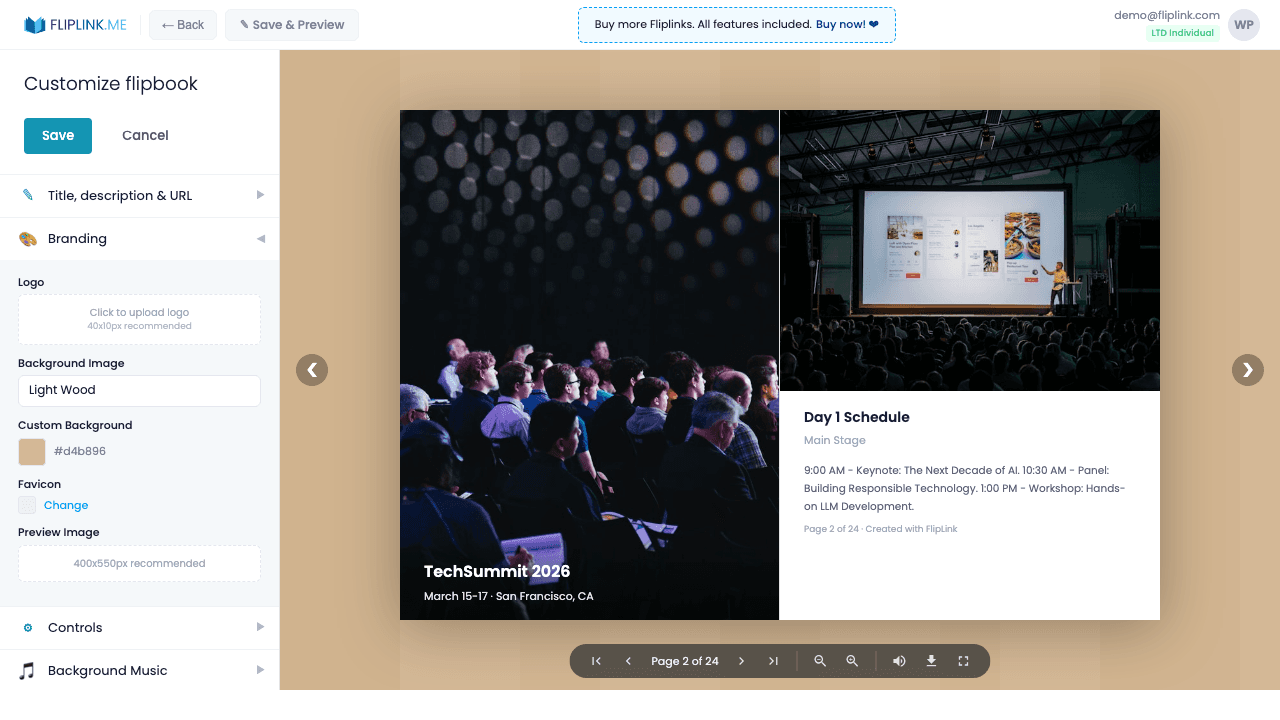
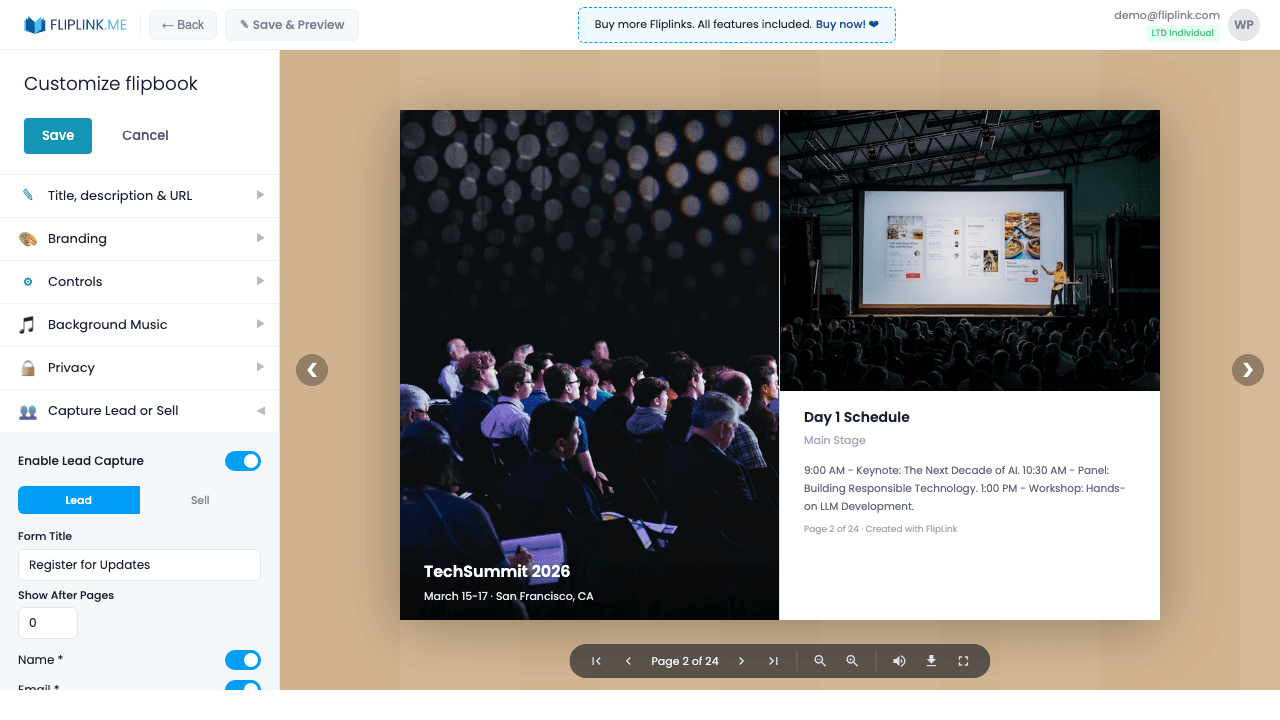
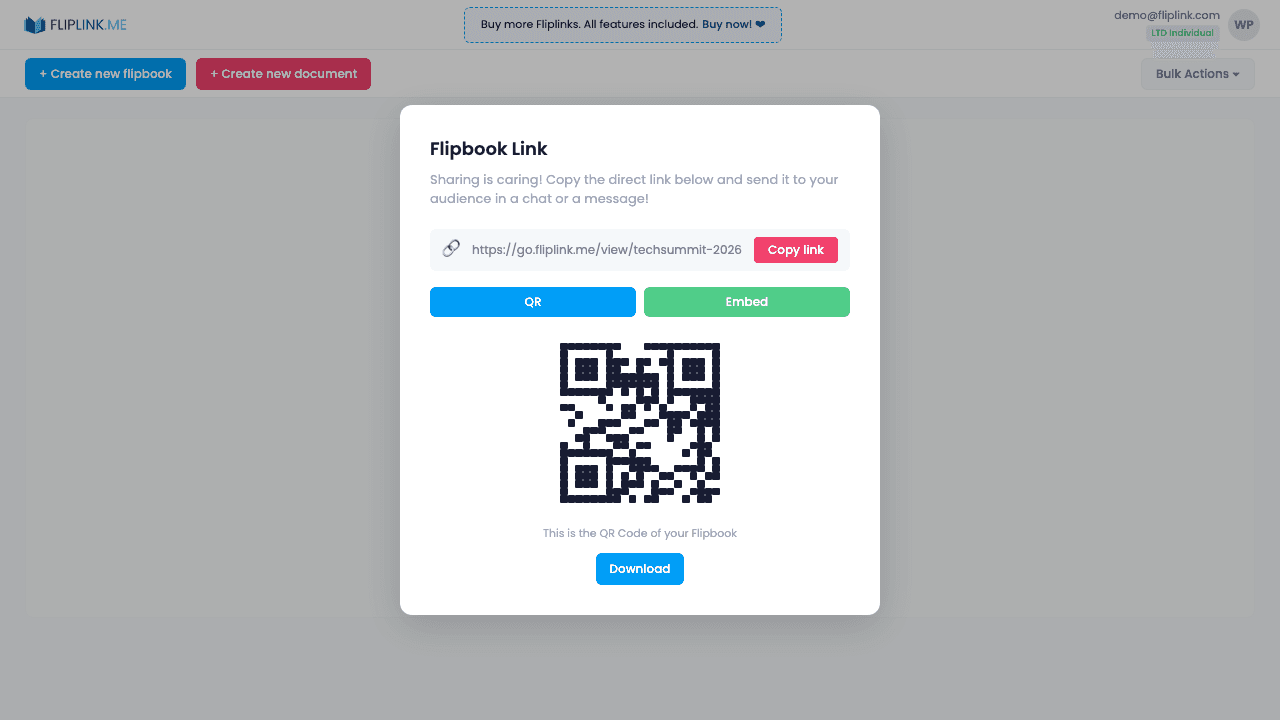
Create a FlipLink flipbook of your event program and distribute via QR codes at registration. Attendees scan and access the program on their phones. Update the program up to the last minute, capture attendee emails with lead forms, and add CTA buttons linking to session registration pages.
How to Get Started
Try It Yourself
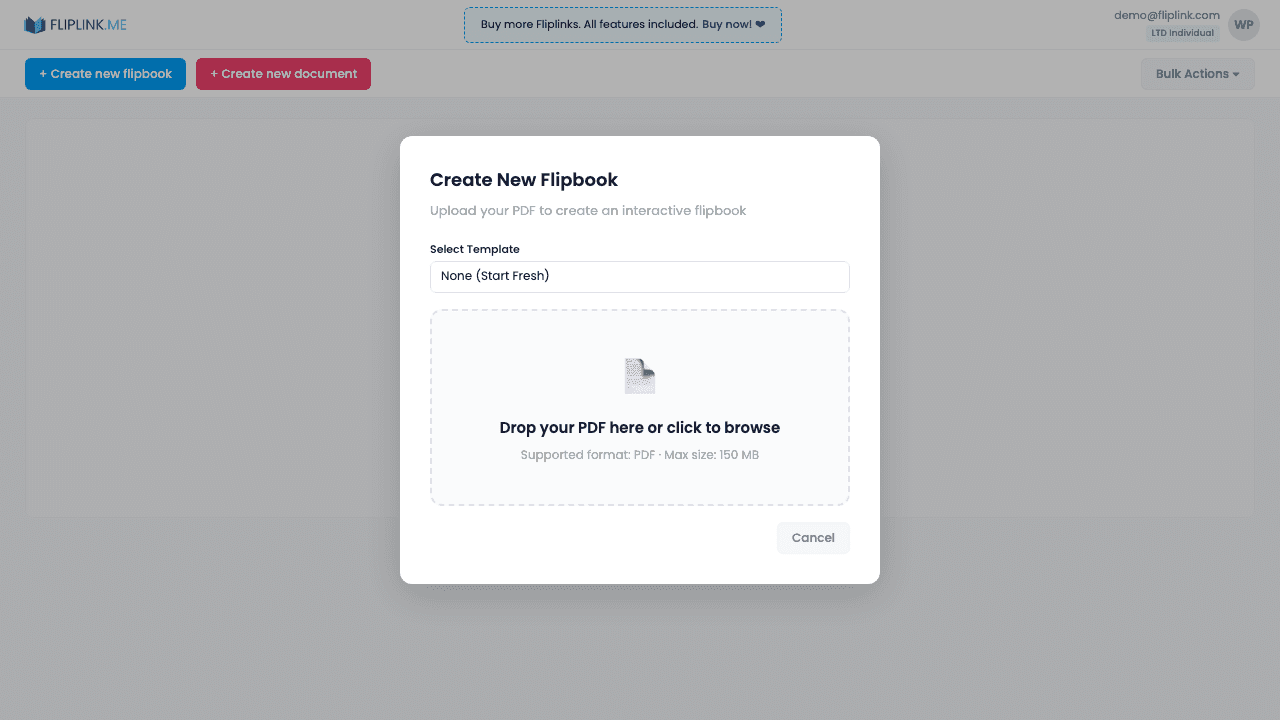
Upload any PDF below and see what FlipLink can do — no sign-up needed.
Drop your PDF here or click to browse
Max 40MB
Paid plans from $39 raise this to 150 MB.
Key Features Used
Ready to Try This?
Start your free trial — all features included, no credit card required.
Pay Once, Use Forever
10, 50 or 100 flipbooks · All 35 features · Unlimited domains
No feature gates. Every Lifetime Deal tier unlocks all 35 features.
- Every feature unlocked — no feature gates
- Stackable — buy more codes anytime
- Replaceable — swap old for new
- Unlimited custom domains (CNAME)
- No recurring fees, ever
Frequently Asked Questions
Can I share the event program via QR code?
Yes. Each publication gets an auto-generated QR code — perfect for printing on event signage, badges, or invitations.
Can attendees view the program on their phones?
Yes. FlipLink publications are fully responsive and load instantly in any mobile browser — no app download required.
Can I update the program after sharing?
Yes. Use Replace PDF to update the program file. All existing links and QR codes will show the latest version.
Ready to Transform
Your PDFs?
Join thousands of businesses using FlipLink to create engaging, interactive content from their PDFs. Start free — no credit card required.