
Sell Documents
Put a price tag on your PDF and start selling flipbooks and documents directly with Stripe checkout — no marketplace fees needed.
Overview
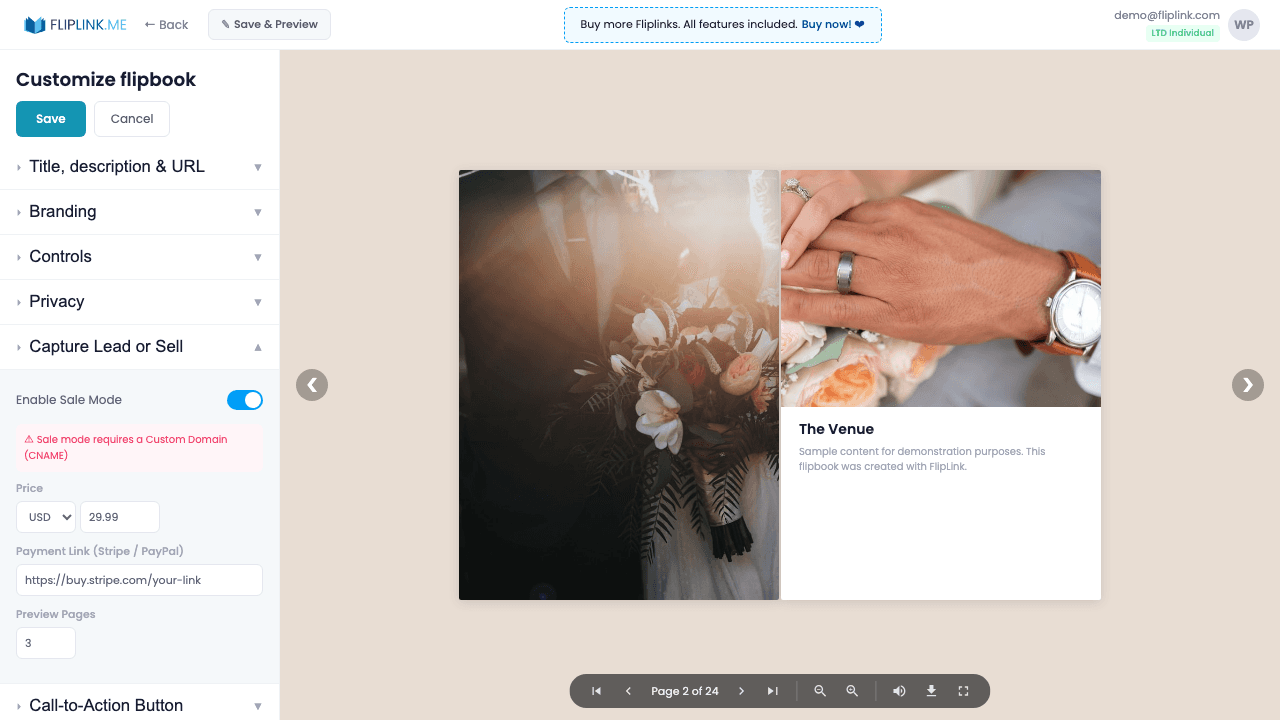
Monetize your PDFs by enabling Sale Mode. Connect your Stripe account (live keys), set your price in any of 130+ currencies, customize the purchase button text, and optionally upload a Preview PDF for browsing before purchase. Buyers pay through Stripe, and you receive payments directly to your account — no FlipLink commission. Sale Mode requires a custom domain (CNAME) for proper checkout integration.
Live Demo
Sale / Purchase Gate
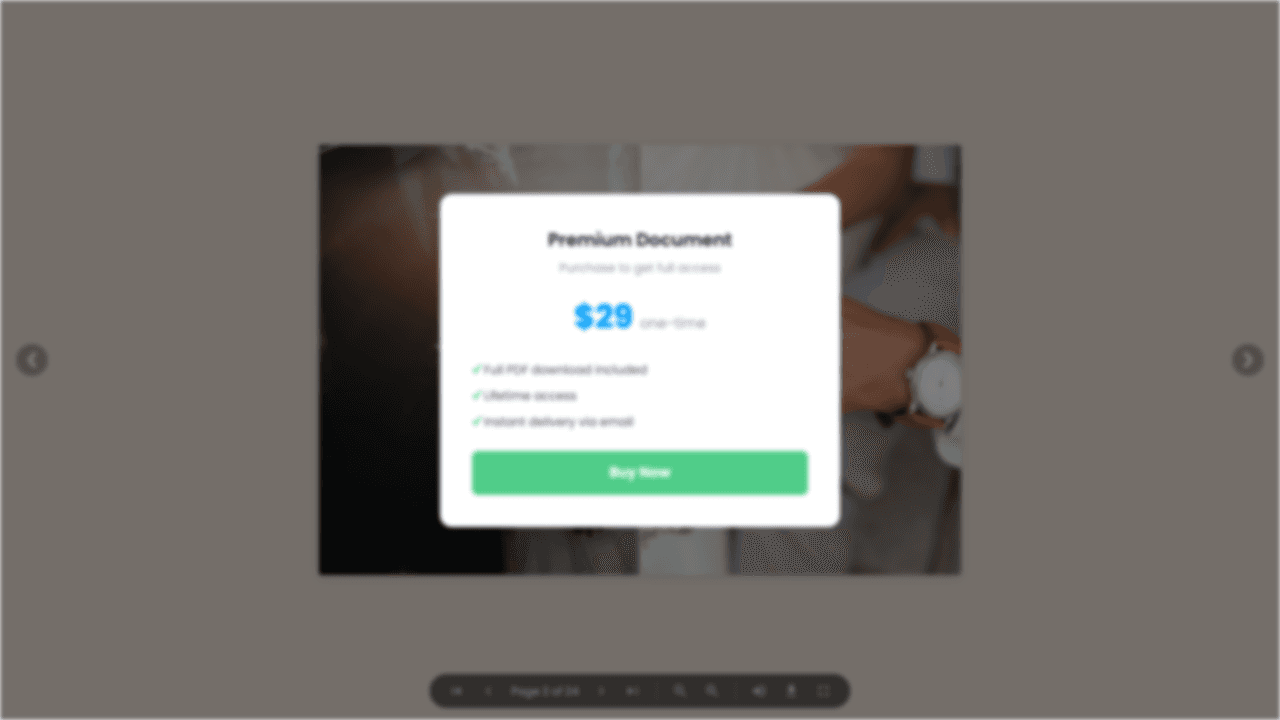
FlipbookWhat to look for: This flipbook has a purchase gate. Sale mode displays a payment modal through Stripe before the viewer can access the content. Payments go directly to your Stripe account.
What's Included
Stripe payment integration
Connect your Stripe account with live API keys. Buyers pay directly through Stripe's secure checkout — no FlipLink commission.
130+ currencies
Set your price in any of over 130 currencies supported by Stripe, making it easy to sell to a global audience.
Preview PDF before paywall
Upload a separate Preview PDF that potential buyers can browse before purchasing, letting them evaluate content quality first.
Sale email notifications
Get notified by email every time a sale is completed. Customize the notification email with your own branding and message.
Custom purchase button
Customize the purchase button text to match your use case — 'Buy Now', 'Get Access', 'Download Report', or anything you prefer.
What You Need
Custom Domain (CNAME)
A custom domain must be mapped to your publication before you can enable Sale mode. This ensures buyers see a branded, trustworthy checkout experience.
Stripe Account
You need your own Stripe account with a publishable key and secret key. FlipLink connects directly to your Stripe so payments go straight to you.
Cannot be used with Lead Capture
Sale mode and Lead Capture are mutually exclusive — a publication can either collect leads or sell access, but not both at the same time.
Free: Brochure Maker
Transform your PDF brochure into an interactive digital experience.
Try it free — no sign-up neededTry Sell Documents Free
All features included in the free trial. No credit card required.
Related Features
Sharing & Distribution
Share your flipbook or document anywhere — direct link, QR code, website embed, or across 15+ social platforms with one click.
Custom Domains
Add unlimited custom domains with auto-provisioned SSL certificates to your flipbooks — no restrictions, no extra fees, full branding.
Lead Capture
Gate your flipbook or document behind a customizable lead capture form and turn every viewer into a qualified, trackable lead.
Use Cases for Sell Documents
Pay Once, Use Forever
10, 50 or 100 flipbooks · All 35 features · Unlimited domains
No feature gates. Every Lifetime Deal tier unlocks all 35 features.
- Every feature unlocked — no feature gates
- Stackable — buy more codes anytime
- Replaceable — swap old for new
- Unlimited custom domains (CNAME)
- No recurring fees, ever
Frequently Asked Questions
How does selling documents work?
Connect your Stripe account, set a price in any of 130+ supported currencies, and FlipLink creates a paywall. Viewers pay before accessing the document, and revenue goes directly to your Stripe account.
Does FlipLink take a commission on sales?
No. FlipLink does not take any commission. You only pay standard Stripe processing fees.
Do I need a custom domain to sell documents?
Yes. Selling documents requires a custom domain (CNAME) to be configured for a professional checkout experience.
Ready to Transform
Your PDFs?
Join thousands of businesses using FlipLink to create engaging, interactive content from their PDFs. Start free — no credit card required.