
Créer des documents
Partage tes PDF sous forme de documents en ligne défilables avec un lecteur épuré et professionnel propulsé par PDF.js — consultable, adapté à tous les écrans et personnalisable à ton image.
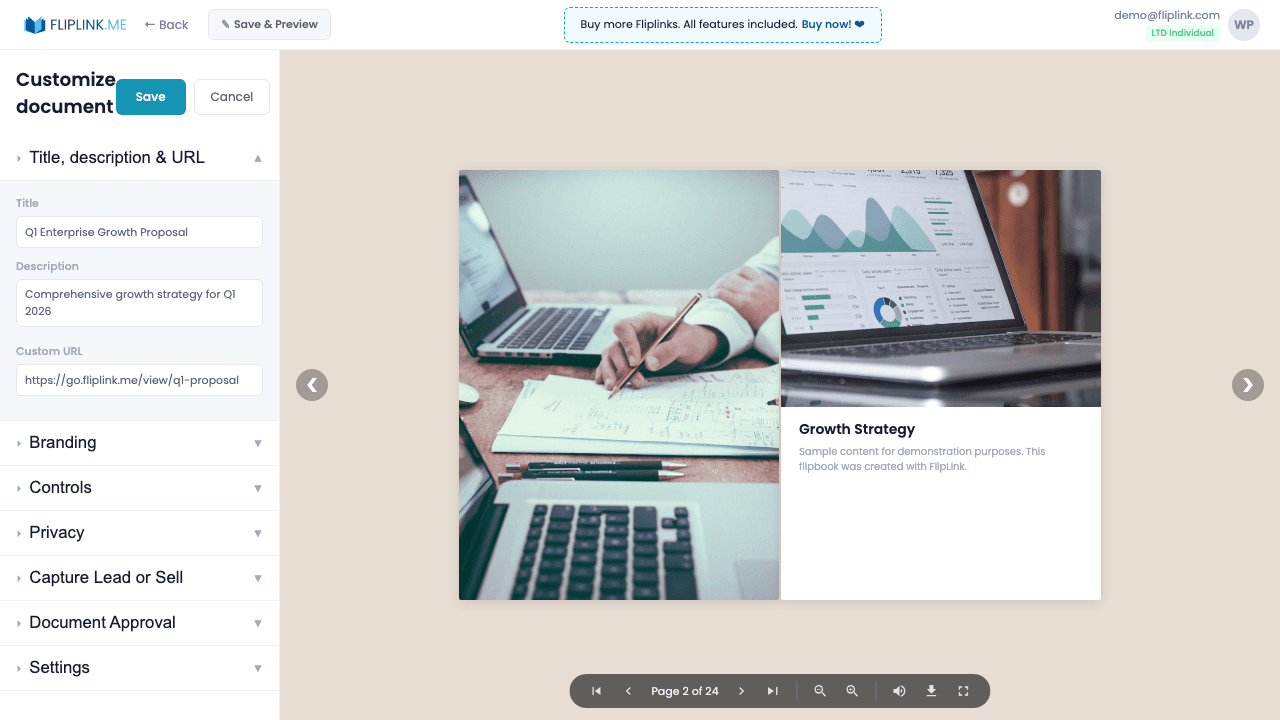
Aperçu
Les Documents FlipLink offrent à tes PDF une lecture épurée et moderne grâce à la technologie PDF.js. Tes lecteurs peuvent rechercher du texte dans le document, sélectionner et copier du contenu, et naviguer à l'aide des miniatures ou du sommaire. Trois modes de mise en page — page unique en défilement vertical, double page en défilement vertical et mode diapositive horizontal — te permettent d'adapter la lecture au type de contenu. Grâce aux liens profonds avec paramètre de page, tu peux envoyer quelqu'un directement à la page 47 de ton rapport.
Démo en direct
Lecteur de documents épuré
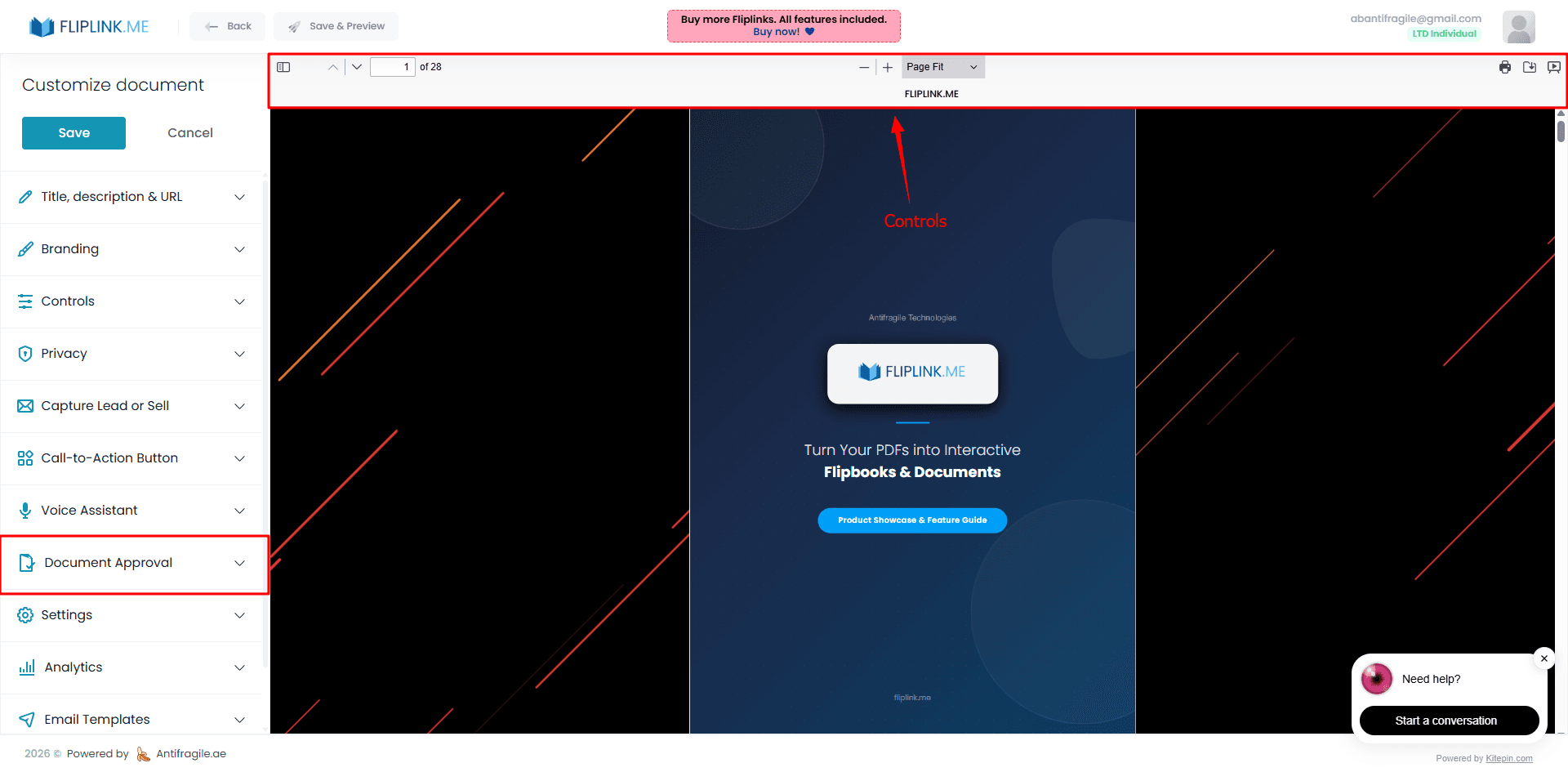
DocumentÀ quoi prêter attention : Un lecteur de documents PDF.js épuré, avec sa barre d'outils standard — recherche, zoom, navigation et téléchargement. Aucune fonctionnalité supplémentaire activée, juste une lecture de document simple et directe.
Ce qui est inclus
Lecteur de documents défilable
Un lecteur épuré et moderne basé sur PDF.js, qui permet de faire défiler le contenu naturellement, avec sélection et copie de texte natives.
Téléversement de plusieurs fichiers
Téléverse plusieurs PDF à la fois et combine-les en une seule publication de type document, pour une diffusion de contenu simplifiée.
Création à partir d'un modèle
Pars d'un modèle enregistré pour appliquer instantanément tes réglages préférés d'image de marque, de capture de prospects et de confidentialité.
Liens profonds vers les pages
Envoie tes lecteurs directement vers n'importe quelle page avec ?doc-page=N dans l'URL — idéal pour renvoyer à une section précise d'une proposition ou d'un rapport.
Free: Pdf Viewer
Create an embeddable scrollable PDF viewer for your website.
Try it free — no sign-up neededEssaie Créer des documents gratuitement
Toutes les fonctionnalités incluses dans l'essai gratuit. Sans carte bancaire.
Fonctionnalités associées
Créer des flipbooks
Transforme n'importe quel PDF en superbe flipbook 3D avec des animations de feuilletage réalistes, un rendu WebGL et un partage adapté au mobile, en quelques secondes.
Remplacer le PDF
Mets à jour ton PDF sans perdre ton lien, tes réglages, tes statistiques ni tes prospects. Même URL, nouveau contenu — parfait pour les catalogues et les propositions commerciales.
Dupliquer la publication
Clone n'importe quel flipbook ou document instantanément avec tous les réglages d'image de marque, de capture de prospects et de confidentialité intacts.
Paie une fois, utilise pour toujours
10, 50 ou 100 flipbooks · Les 35 fonctionnalités · Domaines illimités
Aucun palier. Aucune restriction de fonctionnalité. Chaque code de l'offre à vie débloque tout.
- Chaque fonctionnalité débloquée — sans limites
- Cumulable — achète plus de codes quand tu veux
- Remplaçable — échange l'ancien contre le nouveau
- Domaines personnalisés illimités (CNAME)
- Aucuns frais récurrents, jamais
Questions fréquentes
What is the difference between a flipbook and a document?
A flipbook uses 3D page-turning animation (WebGL/Three.js). A document (DocLink) is a clean, scrollable PDF.js-based viewer with text selection, search, and multiple layout modes.
Can viewers search text inside a document?
Yes. Documents use PDF.js technology that supports native text search, text selection, and copy functionality.
Can I link directly to a specific page?
Yes. Use the deep linking parameter ?doc-page=N in the URL to send viewers directly to any page in your document.
Prêt à transformer
tes PDF ?
Rejoins des milliers d'entreprises qui utilisent FlipLink pour créer du contenu interactif et engageant à partir de leurs PDF. Commence gratuitement — aucune carte bancaire requise.