
学生と教師のためのインタラクティブな教育教材
課題
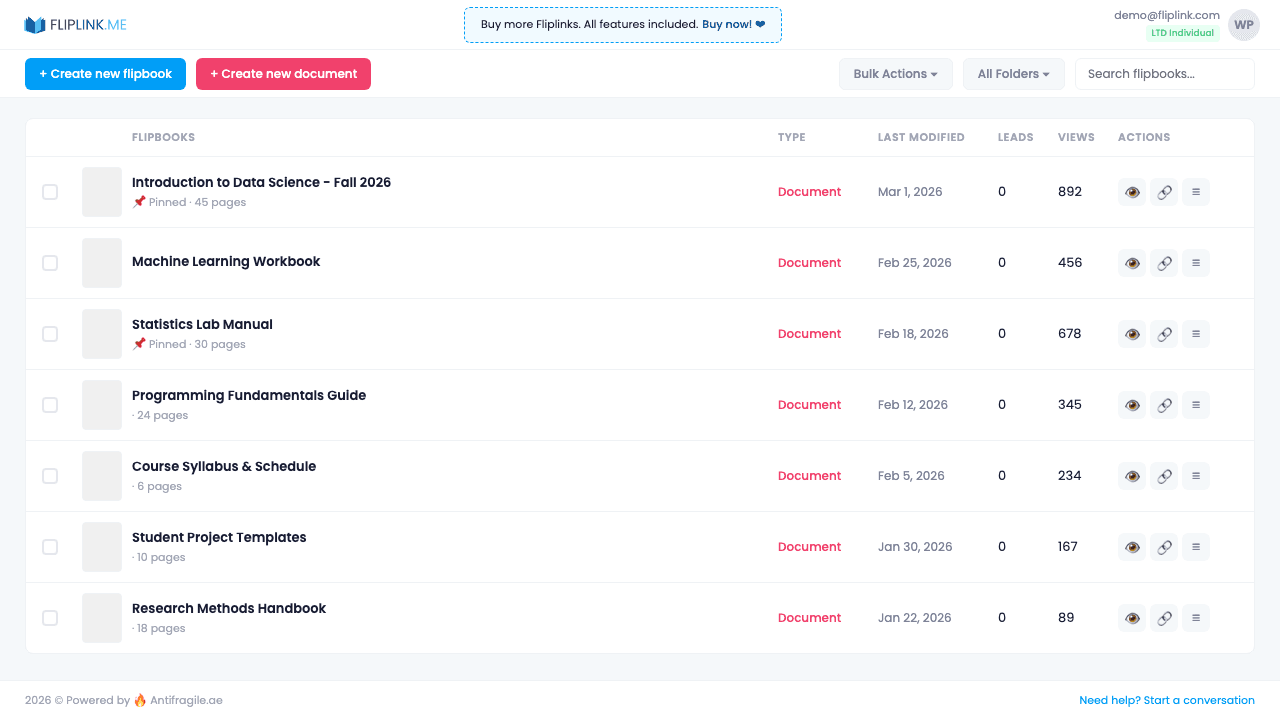
教育者はLMSプラットフォームを通じてPDFを共有していますが、学生のエンゲージメントを把握する手段がありません。学生が実際に教材を読んだか、どの章で苦戦しているか、登録済みの学生のみがコンテンツにアクセスしていることを確認できません。
FlipLinkのソリューション
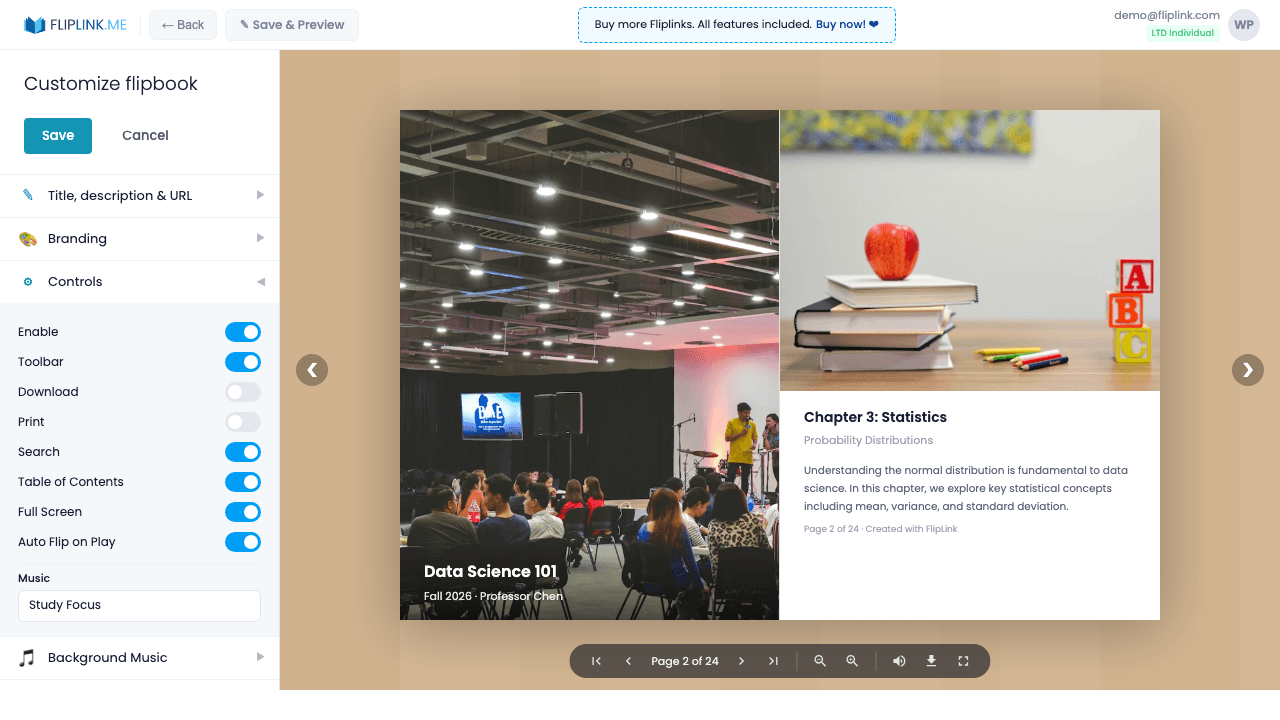
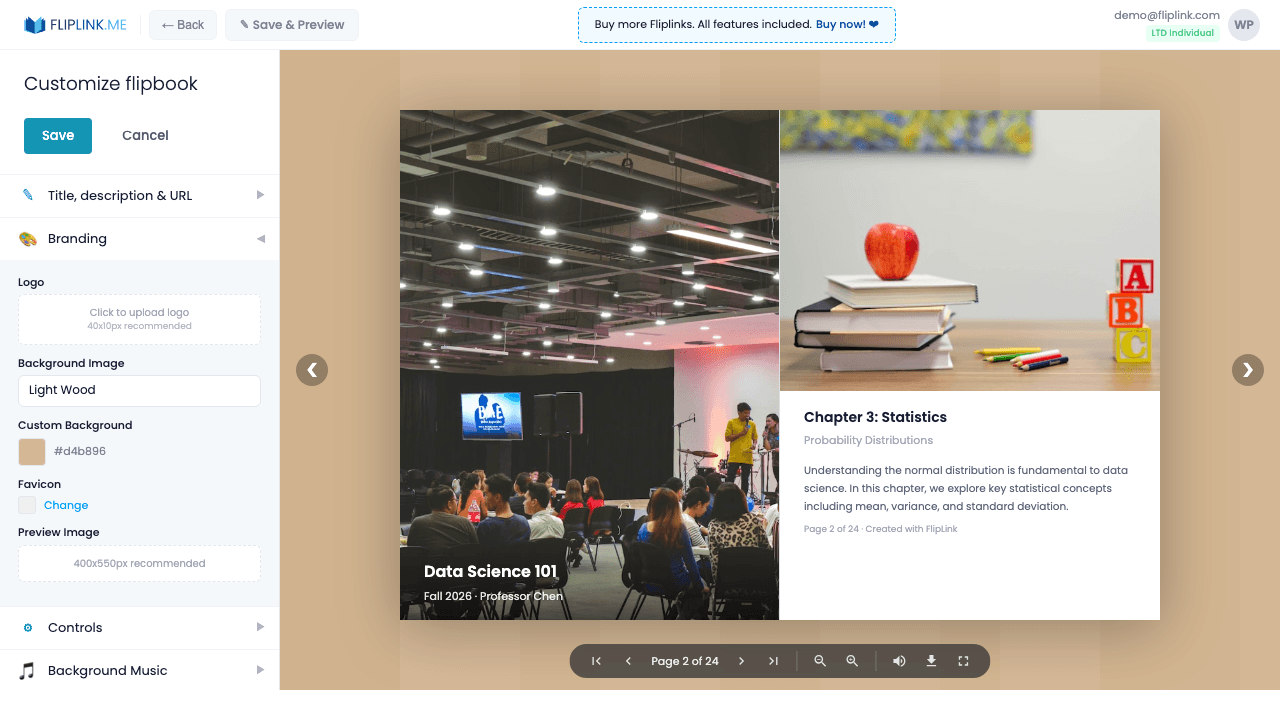
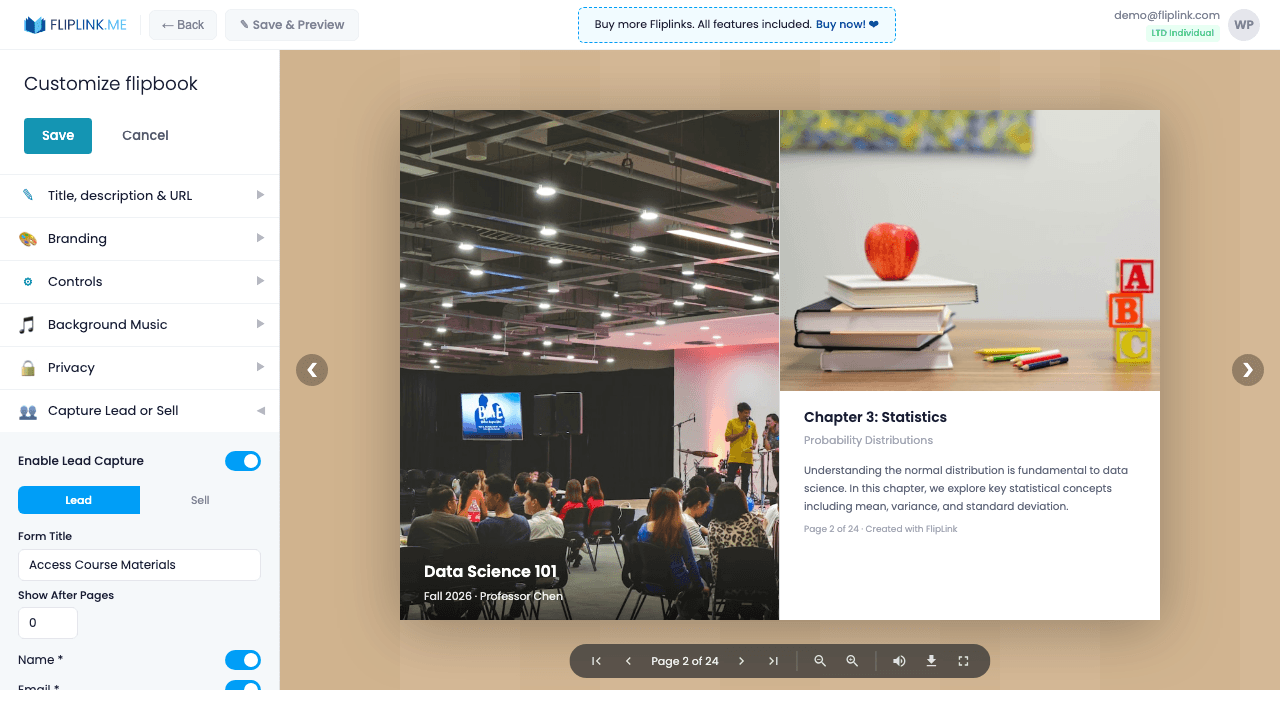
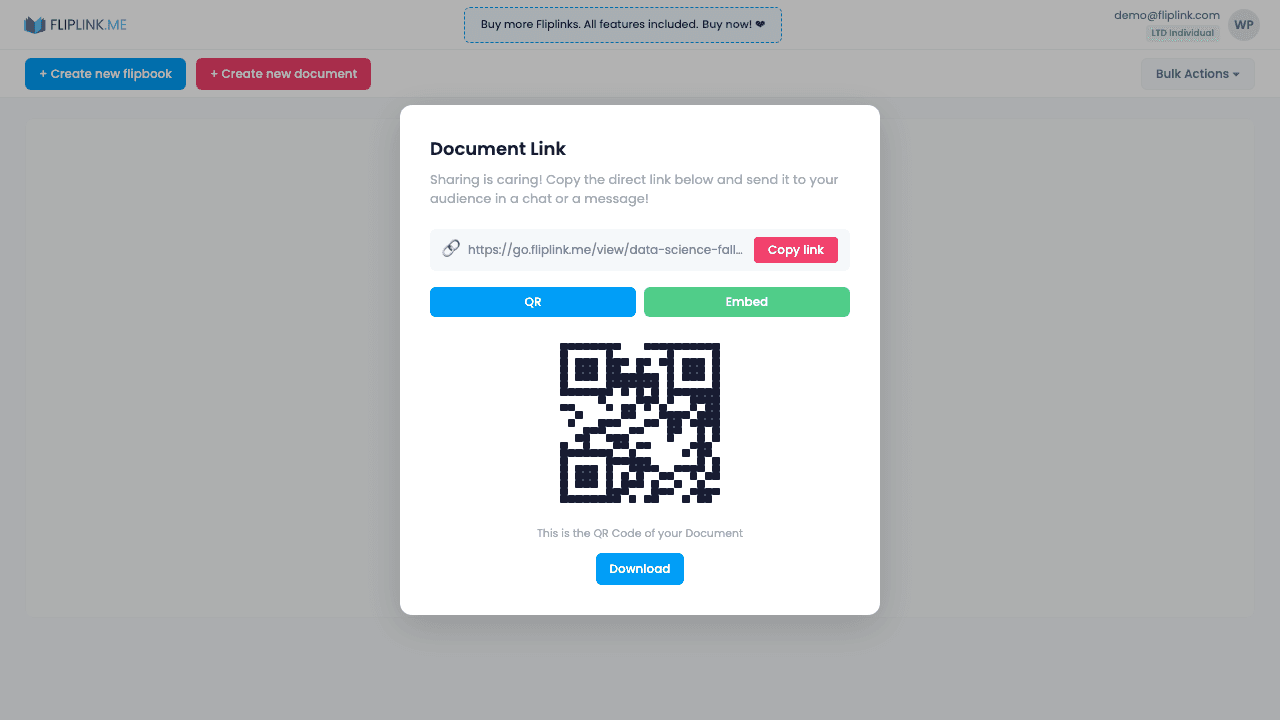
コースの教材をテキスト検索と分析機能付きのFlipLinkドキュメントに変換しましょう。登録済みの学生のみにパスワード保護を設定し、ページごとのエンゲージメントを追跡して難しいセクションを特定し、AIボイスアシスタントを有効にして学生がコンテンツについて質問できるようにし、メールの許可リストを使用してアクセスを登録済み学生に制限できます。
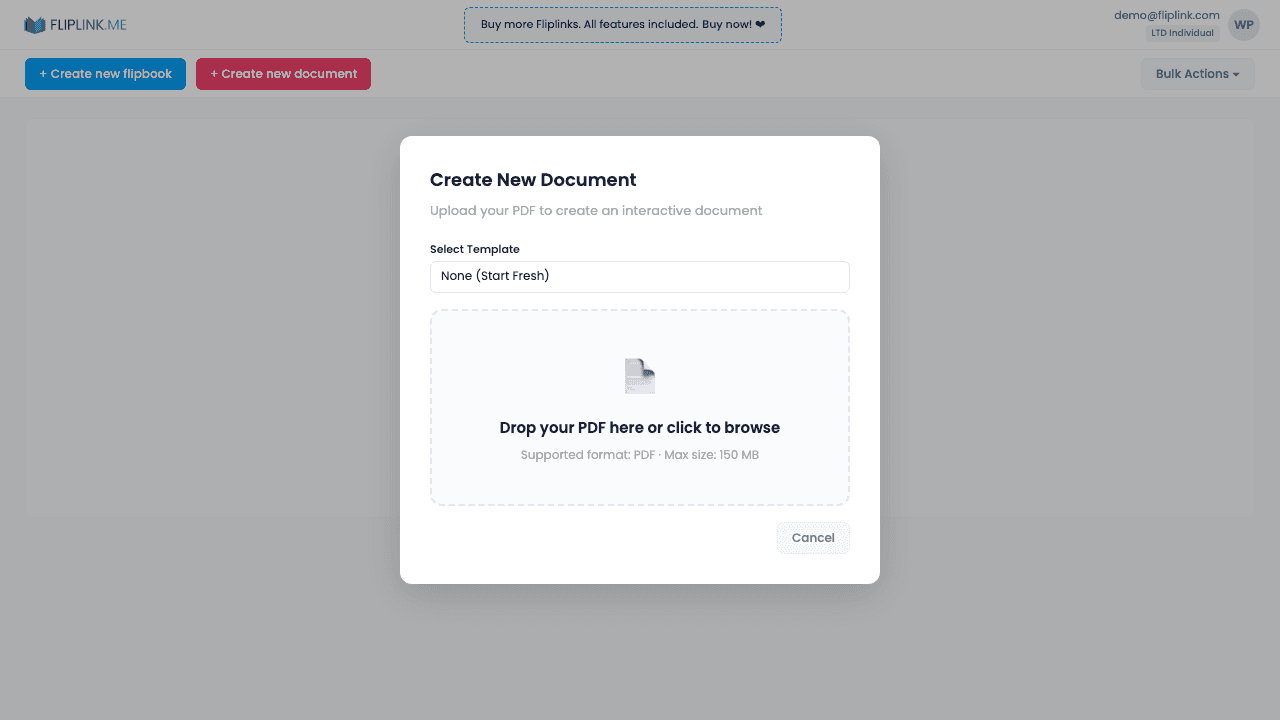
ご利用開始の手順
ぜひお試しください
下のフォームからPDFをアップロードして、FlipLinkの実力をご確認ください — 登録不要です。
Drop your PDF here or click to browse
最大40MB
$39 からの有料プランなら、上限が 150 MB に広がります。
使用する主な機能
一度のお支払いで、ずっと使える
10・50・100 フリップブック · 35の全機能 · 無制限ドメイン
プランの差はありません。機能制限もありません。すべてのLTDコードで全機能がご利用いただけます。
- 全機能が使える — 制限なし
- 積み重ね可能 — いつでもコードを追加購入
- 交換可能 — 古いコードを新しいものに入れ替え
- 独自ドメイン無制限(CNAME)
- 月額・年額の定期料金なし
よくあるご質問
Can students search for text within course materials?
Yes. Using the Document (DocLink) format, students can search, select, and copy text within the materials.
Can I restrict access to enrolled students only?
Yes. Use password protection, link expiry, or email allowlists in lead capture to control who can access materials.
Can I see which pages students spend the most time on?
Yes. Per-page heatmaps show exactly which sections get the most attention, helping you identify challenging content.
PDFを
もっと活用しませんか?
FlipLinkを活用して、PDFから魅力的でインタラクティブなコンテンツを作成している多くの企業に加わりませんか。クレジットカード不要で無料スタートできます。